EDIT STYLES
Every look EzClip can put on your clips. Pick one, paste a video, and your best moments come back in that style.
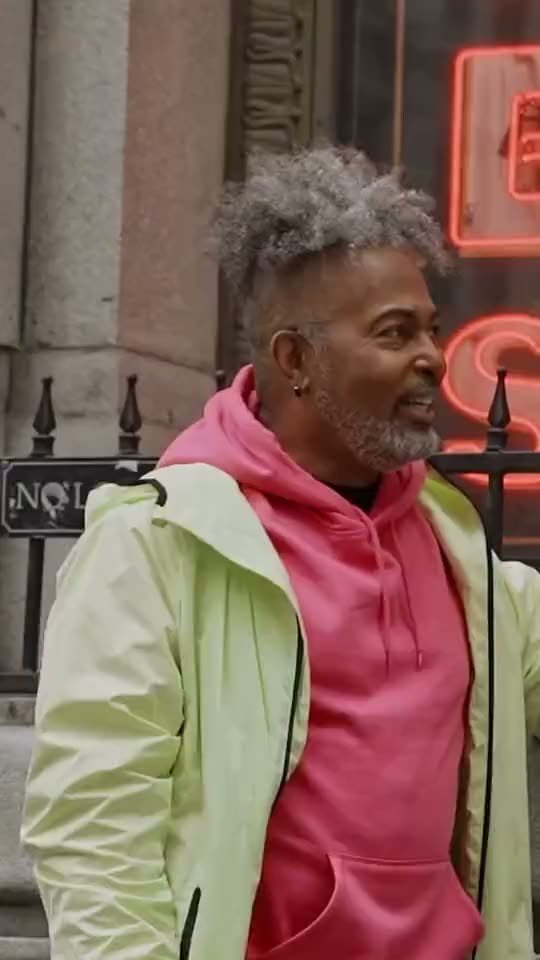
Clean
Zoom cuts and simple captions. Splits the screen when two people share a shot.
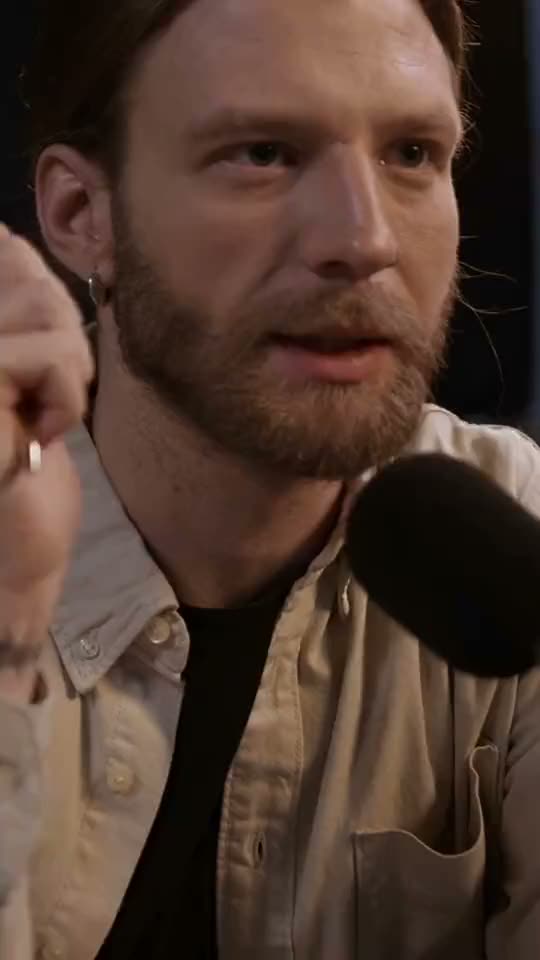
Dynamic
Bold captions, sound effects and punchy framing.
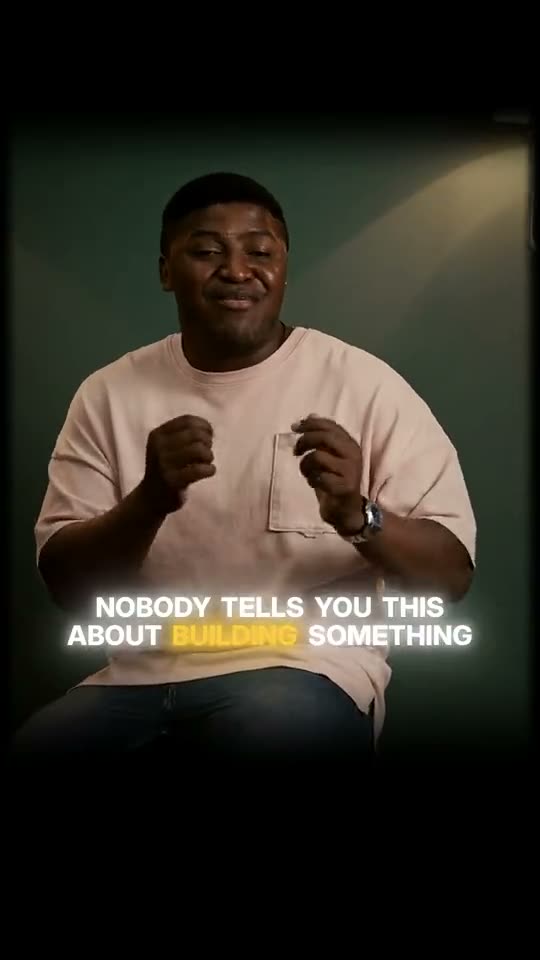
Glow
A dark, cinematic frame with small glowing captions. The key word lights up.
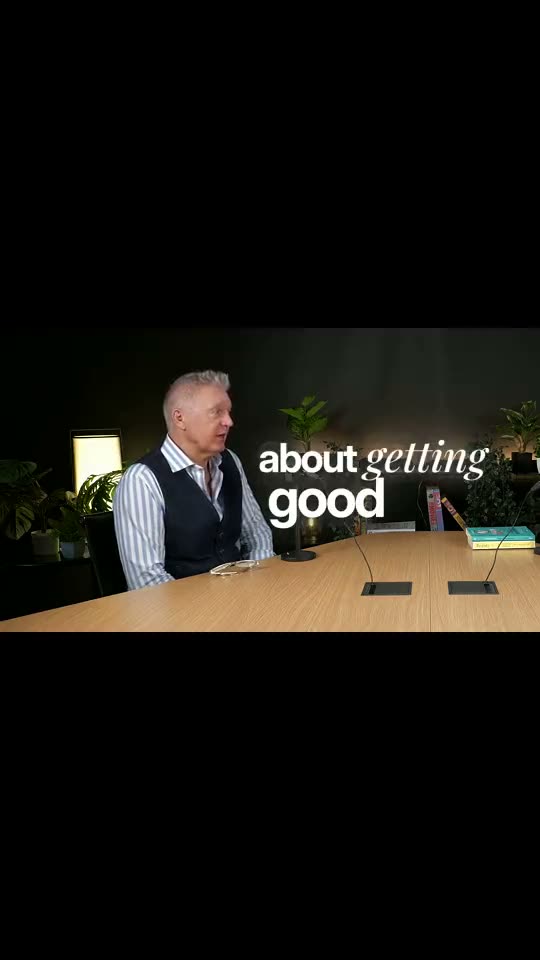
Wide
The whole wide shot on black with small lowercase captions. The lines that land go big.
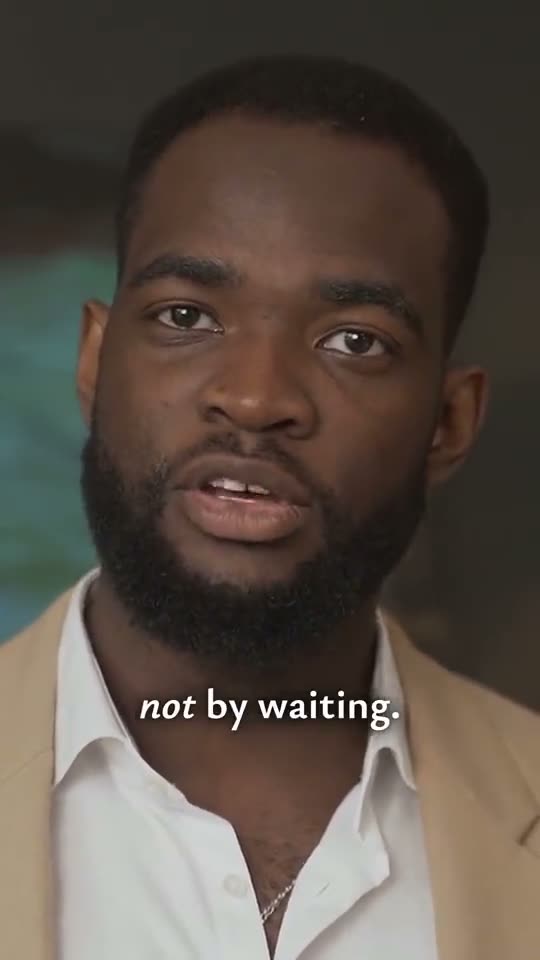
Close-up
A tight shot of the speaker with elegant captions under the chin. The word that matters goes big or italic.
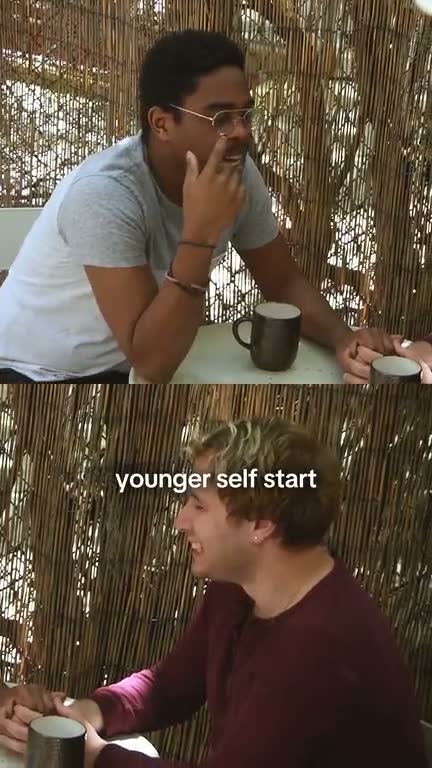
Two people
One person above the other whenever both are on screen.
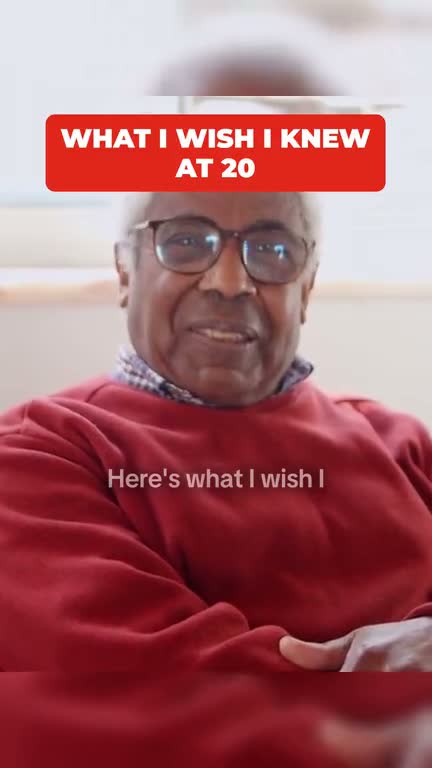
Hook title
Your clip's title in a bold box over the first 3 seconds.
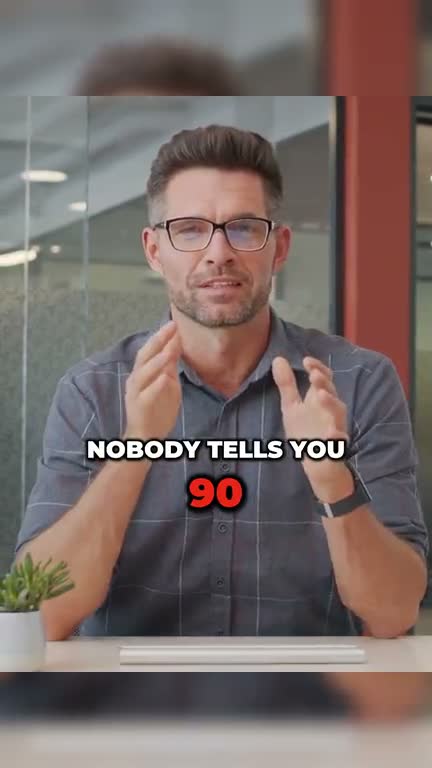
Kinetic
The key word big on its own line, numbers in red.
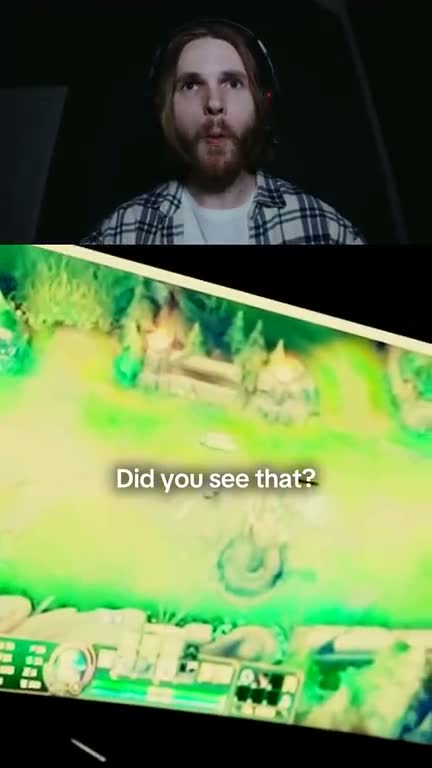
Facecam on top
Your cam above, the gameplay below.
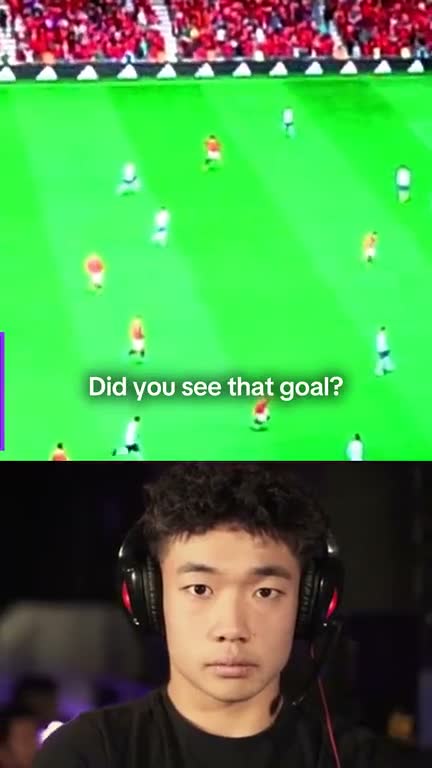
Facecam on bottom
What you're playing or watching on top, your reaction below.
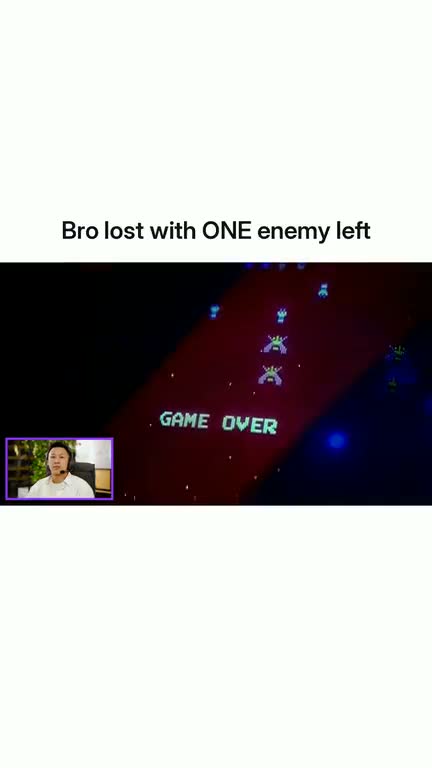
Meme caption
The whole screen on a white bar, your clip's title above it.
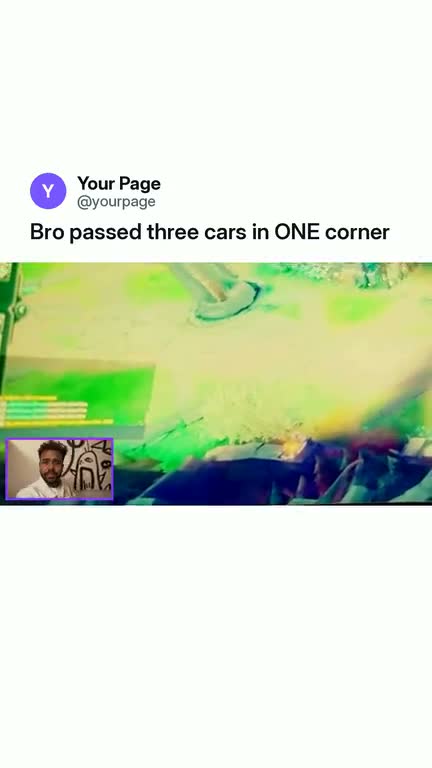
Post card
The meme look as a post, with your page name.
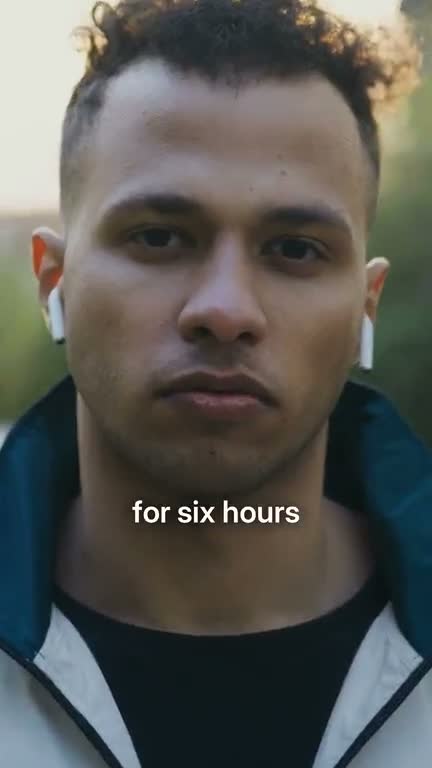
Follow cam
Dead air cut, captions, framing that follows the person.
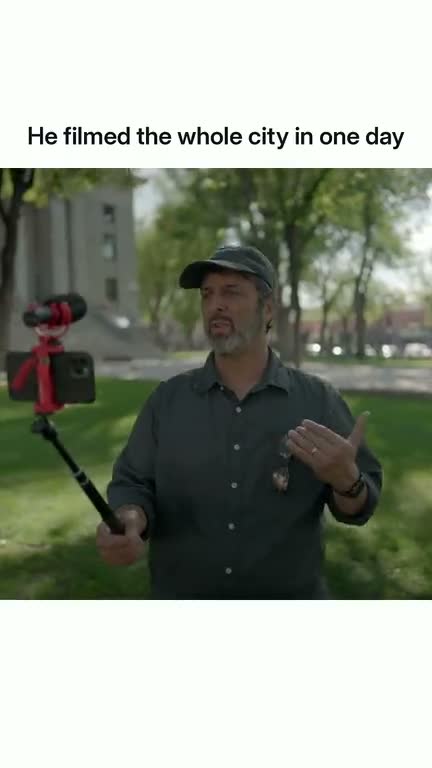
Square caption
A bigger square video under your clip's title.
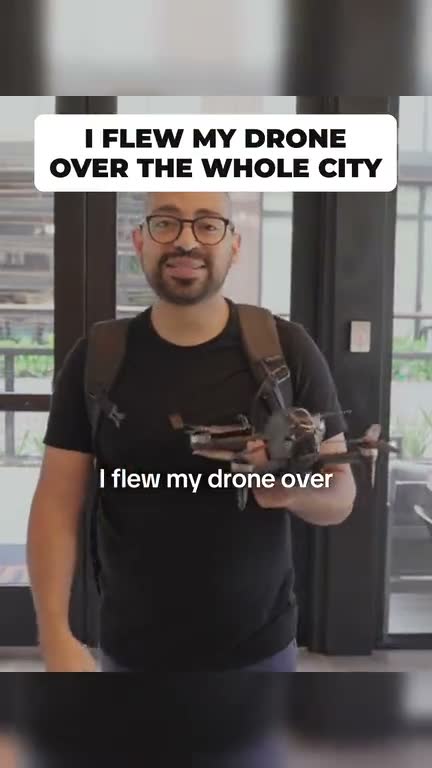
Hook title
Your clip's title in a bold box over the first 3 seconds.
That's all 15 styles
Paste a video and your best moments come back in the style you pick.